
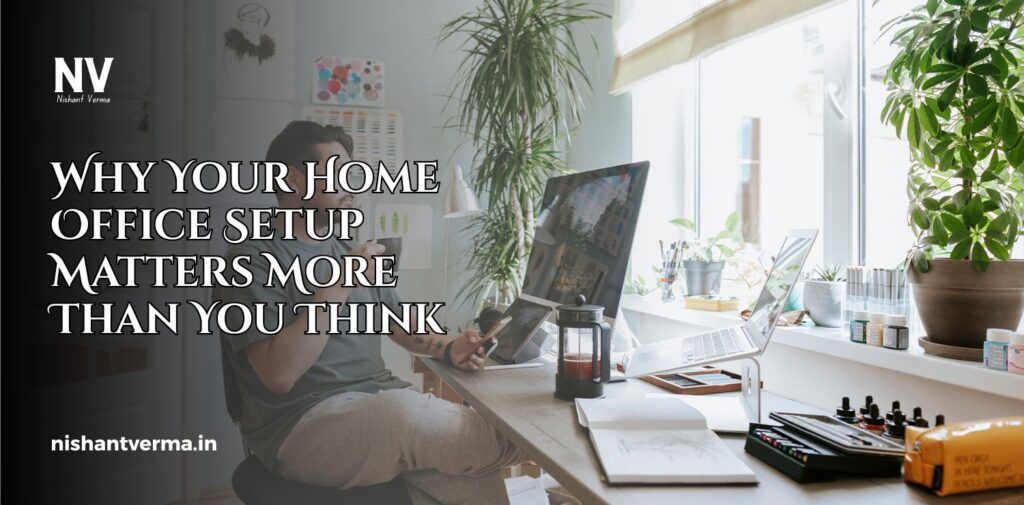
Close your eyes, picture what your office looks like, and now think about the dining table you work on. Comfort – 100% productivity? Not so much, right? Ever thought about why?
Let’s analyze. What does the office workspace have? A spacious desk, a swivel chair, perfect lighting, and a clean space. Now snap back to reality, the dining table, hard wooden chairs, a chaotic environment, and constant family interruptions. What seems to be better? Where do you think you work more efficiently? You do have your answer.
If we are working from home, it becomes our responsibility to make an office-like environment so that we deliver competitive work. It is scientifically proven that the environment has a psychological impact. A cluttered environment hampers productivity; it doesn’t let a person focus and concentrate on work. The environment itself becomes a distraction. Let’s explore why home office setup matters so much.

The psychology behind your workspace
Your working environment affects your mental state. Studies reveal cluttered environment can often lead to increased stress levels, ultimately decreasing productivity. A clean, healthy, well-lit environment keeps the stress level in control.
How to manage the environment?
Declutter Regularly – Clean your desk regularly. Remove extra, unnecessary items from the desk.
Incorporate calming elements– Add motivational quotes, soft lighting, a comfortable chair, some indoor plants, or an art piece.
Create boundaries – Designate a specific area for work, do not use it for any other purpose, communicate to the rest of the family to respect the workspace as if it is the office, and help minimize distractions
Understand the Ergonomics
Ergonomics is the study of the efficiency of people in different working environments. Through ergonomics, we can figure out how we can improve our efficiency by making changes to the environment.
Key upgrades:
Adjustable Chair – Go for a chair with proper back support that promotes good posture
Monitor Height – Neither too low nor too high, it must be at the proper eye level to avoid neck strain.
Keyboard & Mouse Positioning – It must be positioned at elbow height to avoid wrist pain
Foot Support – Ensure a proper footrest to avoid pain in muscles and joints.
Technology – A must
Since work from home revolves around technology only, make sure you’ve got it right and enough so that it doesn’t hamper your work. Technological essentials include-
Wi-Fi Connection – You cannot work in the absence of a good Wi-Fi network. It is the bare minimum and is essential for virtual meetings and cloud-based work
Noise-cancelling earphones – WFH comes along with household noises and interruptions, good noise–canceling earphones help block out background noise and even assist in virtual meetings
Dual Monitors – Switching tabs, websites, and eats up a good amount of time without realizing it. Dual monitors boost productivity by making multitasking easier
Cable Management – Cable management tools are necessary to keep the desk clutter-free. A desk looks untidy if it has multiple cables overlapping each other.
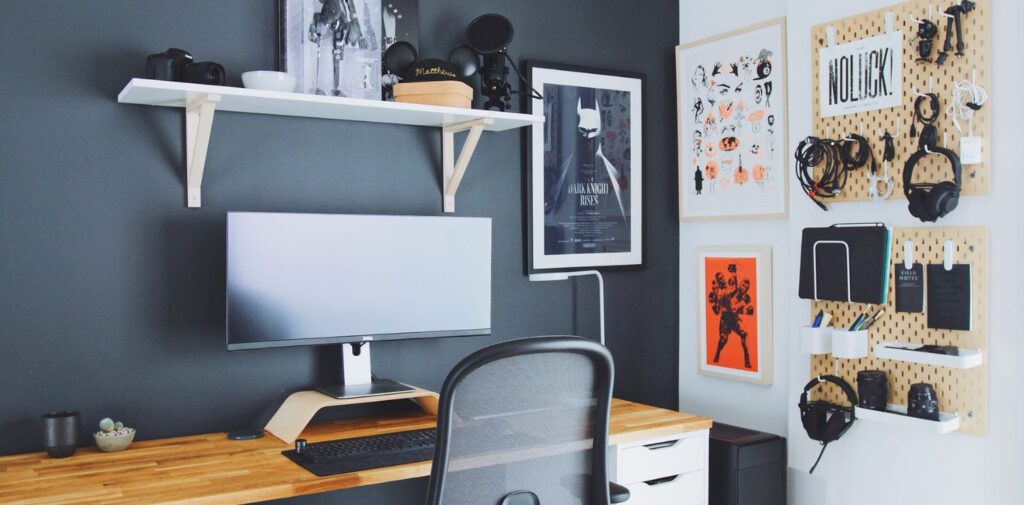
Organizing tips for a work-from-home office setup
Keeping the office workspace organized not only keeps it tidy but also helps find important documents, files, supplies, etc when in need. Allowing us to focus more on work. A few tips include –
Filing Systems: Use labeled folders so that they are bifurcated and also are easily accessible when needed
Drawer Dividers: Dividers keep office supplies separated and easy to find, otherwise, it looks cluttered.
Digitally organized – Regularly clean and organize the computer’s desktop and digital files in properly designated folders.
Good Lighting is an essential
Well, working long hours on the screen does take a toll on your eyes, and to keep them protected, you must have good lighting in the room & on the desk as well. Things to take care of-
Natural Light – Try maximizing natural light to keep it all fresh and nice. It is good for both your eyes and your mood. Position the desk as such to prevent any kind of glare.
Task Lighting – A desk light helps you to focus on your work area, helping you see all the details. Choose the adjustable lamps with adjustable lighting so that you can tailor them to your specific needs and the time of the day
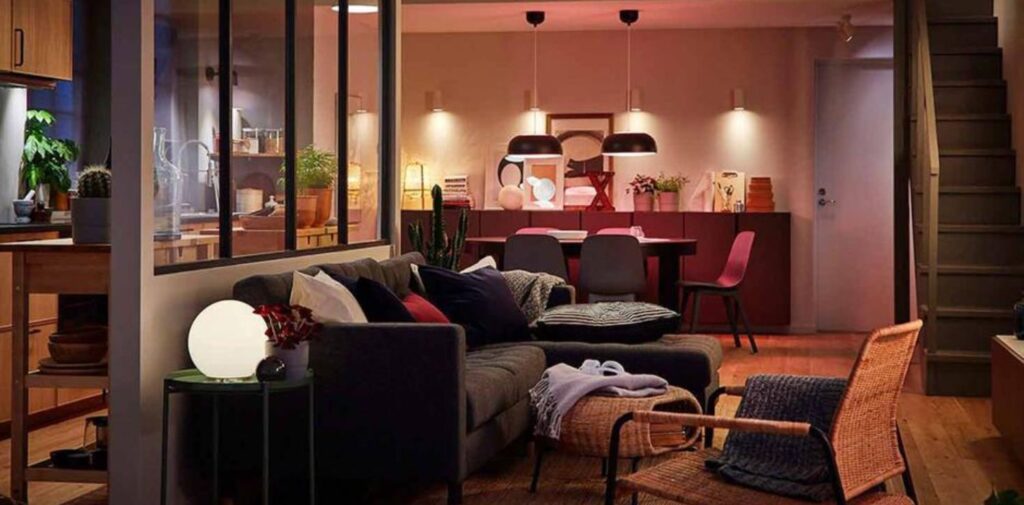
Ambient Lighting – An Appropriate amount of overhead lighting keeps the room well-lit. A decent amount of light helps in virtual meetings.
Final Thoughts
Your work-from-home office isn’t merely a setup, it is an investment for your productivity and health. If not now, you’ll realize it later. A few essentials can turn into your powerhouse of efficiency and comfort. Beds, Sofas, and dining tables are all fun and games until they hamper your productivity and start distracting you.
Stay aware, and try to adapt things quickly. If not you, someone else might, and enjoy the perks that come along with it.