
Since working from home allows more flexibility, it also means your digital space is more at risk from hackers. During the time of work, your home network gives you access to everything.
Even smaller businesses are now being targeted by cybercriminals , they have turned their focus on using old router models, unprotected wireless networks, or weak user passwords. When you don’t go to an office, ensuring your home network is secure should not be an option.
You will learn here the most effective ways to keep your work area and home network from being exploited.
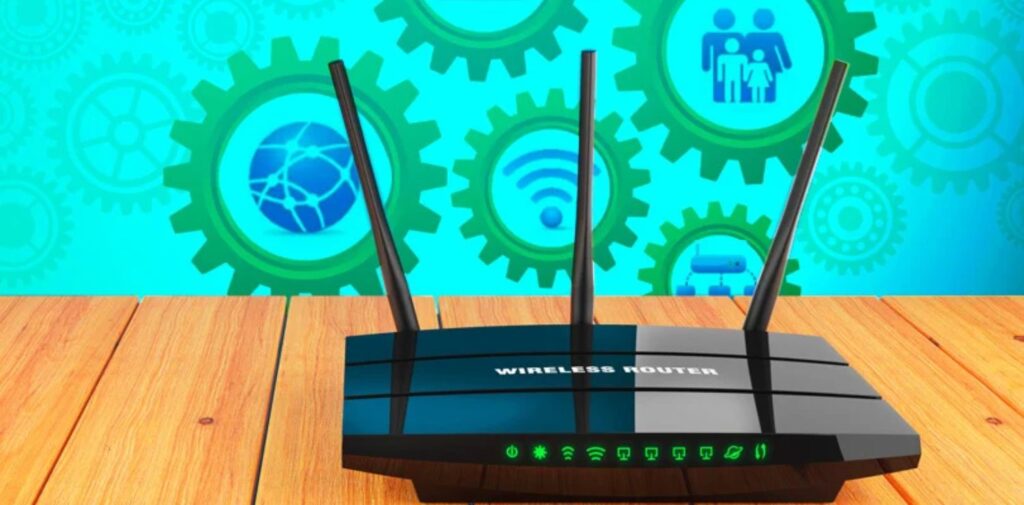
Modify the Administration for Your Router
Lots of people leave the default username and password on their home routers. It’s important to know what needs to be done.
- To access the router’s settings, put 192.168.0.1 or 192.168.1.1 into your web browser.
- Make sure you replace the old login details as soon as you sign in for the first time.
- Disable the ability to connect remotely to your router when it’s not needed.
Choose a Good Password for the Wi-Fi and Set a Unique SSID
The way to protect your Wi-Fi is through its name and your password.
Tips:
- Make sure your password has a lot of letters, numbers, and other special characters.
- Do not put your details, such as name, address, or date of birth, SSID or password.
- Let your wireless network be hidden from external users, whenever possible.
Why it’s important: Strong passwords make it much harder for a brute-force attack to succeed.
Make sure you have a Different Network for Guests
Using your work devices along with family phones, gaming consoles, and smart devices makes you more vulnerable to attacks.
Steps:
Change router’s settings to make another network point called a second SSID.
It is important to keep your office computers and your gadgets apart on the network.
Turn off the ability for devices to talk to each other whenever possible.
How it helps: When a guest or IoT device is compromised, hackers won’t be able to access your business work files.
Regularly Update Your Router’s Firmware
Upgrade your route, just as regularly. Many manufacturers fix issues with software, but you will not gain this benefit if you do not install the updates.
- This is how you should go about recruiting an effective digital marketing team.
- Verify your router’s name and its model, then log in to the dashboard.
- Make sure there’s a “Firmware Update” section available.
- Select the option to automatically run updates for it if that feature is included.
You should enable your Firewall and keep it active.
Even though most routers have a firewall, it’s not always switched on by the manufacturer. Sometimes, your operating system includes a built-in firewall.
Check both:
- Open the admin portal and turn on the firewall for your router.
- Ensure the firewall on your Windows or macOS system is switched on.
When: Firewalls are important because they watch and block any suspicious activity coming in or going out of your network.
Bonus Tip: Home Network
You must always practice safe digital habits. No matter how secure the network is, humans are prone to error, and it can become a bug threat. Educate yourself and your family about phishing, password management, and online hygiene.
Habits to build:
- Don’t click suspicious links.
- Use a password manager like LastPass or 1Password.
- Enable two-factor authentication (2FA) on all work-related apps.

Takeaway: View Your Home As Your Small Office
There is little difference between home and office now, but that doesn’t mean we should use the same cybersecurity strategy.
When you take these steps, you defend your company’s data along with your privacy, reputation, and comfort.
Take care of your security now, and you’ll worry less later.