
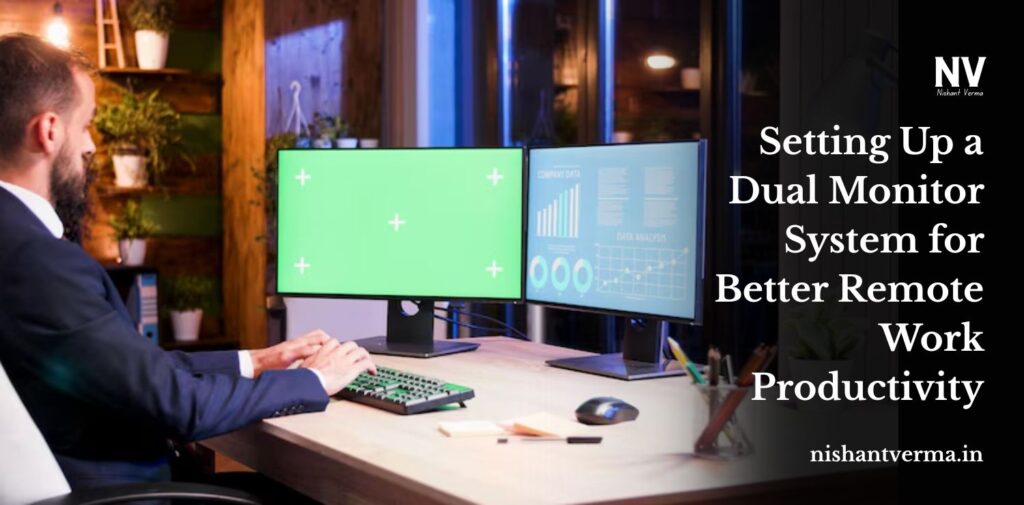
Now that so many people work remotely, productivity matters most and it’s easy to see why a single screen isn’t always enough. No matter, if you’re handling several projects, dealing with spreadsheets, or jumping between design and communication platforms, continuously switching tabs, can make you lose track. That explains why the dual monitor is so useful.
You might think a second screen doesn’t make much difference, but it can greatly boost how you work. The article will talk about why a dual monitor system is good for you, how to set it up, particularly for home use, and how to enjoy its benefits in remote work.
Why Should You Use Dual Monitors?
1. Increase the Level of our Productivity
According to research, you can be 20–30% more productive if you use two computer screens. If you don’t jump between many tabs, you don’t use up extra energy and time. Place your main task on one screen and look at supporting information on another.
2. Helps us Do Multiple Things Together
How can I take notes when I’m on Zoom? Interested in making a report that includes a spreadsheet? When you use dual monitors, you don’t have to deal with minimized windows.
3. Chances of Error are Drastically Reduced
When you can see everything you need at once, especially in data entry, analysis, coding,g or editing jobs, you’re likely to make fewer mistakes from switching to different parts of the screen.
4. Helps in Better Collaboration with Other Tools & Apps
If you’re working with others or in a meeting, you can always have the call on one screen and your work on another, so there are no extra delays for you to handle.
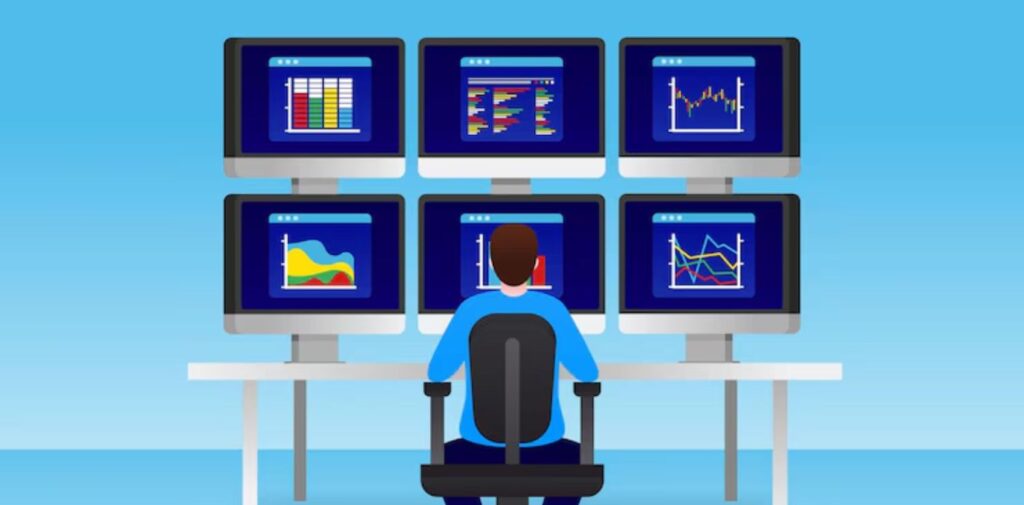
How Do Dual Monitors Advantages Different Individuals?
Most remote workers can gain from dual monitors, but they are particularly useful for some.
- Writers and Editors – Use one part of the screen for search and the other for writing.
- Developer – write your code on the left monitor and see the result, or read the documentation on the right.
- Project Managers – Having your dashboard and your task list or communications on one screen.
- C – Have your CRM and chat/email all in one place.
Picking the Proper Monitors
Keep the following things in mind if you’re shopping for a second screen:
Resolution & Size
- If you can, use the same monitor you have for a well-balanced experience.
- We recommend a 24–27-inch screen for the majority of home desks.
- Choose a monitor of Full HD (1080p) or above to get clearer pictures and put less strain on your eyes.
Panel Type
- IPS panels are known for producing great color and giving you broad viewing angles.
- TN (Twisted Nematic) panels are less expensive, though they do not reproduce colors very accurately.
- VA panels offer a medium point between IPS and TN panels.
Ports & Compatibility
- Ensure that your monitor has one of the inputs your computer offers: HDMI, DisplayPort, USB-C, or VGA.
- Check if your laptop has support for dual monitors since most laptops can use USB-C or HDMI connections.

Getting the Best Out of Having Two Monitors
- Take Advantage of Productivity Apps – Apps such as DisplayFusion, PowerToys (Windows), and Rectangle (Mac) allow you to handle windows between your screens more easily.
- Simplify the Process- Create two zones on your screen so that your action tasks are separate from your reference material. Use the organization tools that split the screen to help manage your applications.
- Consider putting your monitor in a vertical position – With a rotating second monitor, try standing it upright for coding, long articles, or reviewing Slack or email messages.
- Get a Monitor Arm or Stand if possible – Remove the need for a desk stand and allow yourself to arrange your screens just as you like.
Getting-the-Best-Out-of-Having-Two-Monitors

What Might Go Wrong (and How to Address Them)
Having two monitors instead of one can be very helpful, but it’s not perfect either.
- Not enough space on my desk – To save space, attach your TV to a wall or an armstand.
- Increased Distraction – Be mindful of how you use your second screen — don’t use it for social media or entertainment while at work.
- Technical Limitations – Ensure that your computer/laptop is compatible with running more than one display. If it’s not ideal, replace your graphics card with a better one or look for a different adapter.
Conclusion
Having two monitors can change the way you work remotely. It makes the digital workspace wider, more effective, and less anxious for you, all without requiring big spending. If you have to tackle tough challenges or want to minimize the need to switch between internet browsers, a second screen provides comfort and convenience that a single screen doesn’t offer.
Because much of your work is done on your computer screen at home, investing in a suitable dual monitor arrangement is among the top decisions you should take.